Interaction
Introduction
I have a fair bit of understanding towards Arduino but it has been a while since I last touched it. It was nice rekindling that love for building things. But this time it was even more exciting, cause I’m also working with p5js at the same time. My favorite installations has always been a collab between the two but I didn’t manage to learn it.
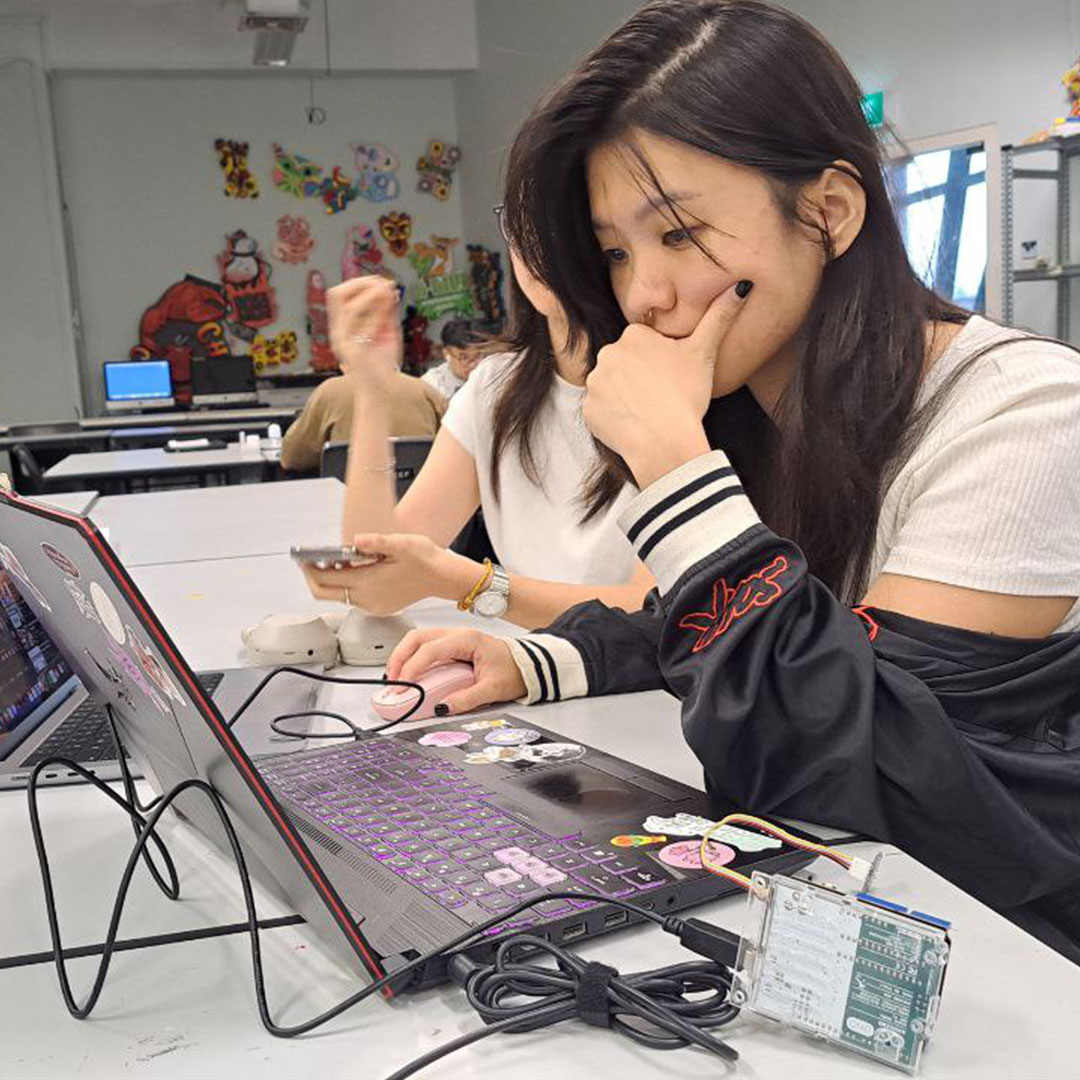
We explored the basics of Arduino, the light, sensors, and switches all so familiar. The most exciting part was the linkage to p5js for me. After relearning the basics, we were task to create an interactive installation, I teamed up with Casey and Valerie to start the process.
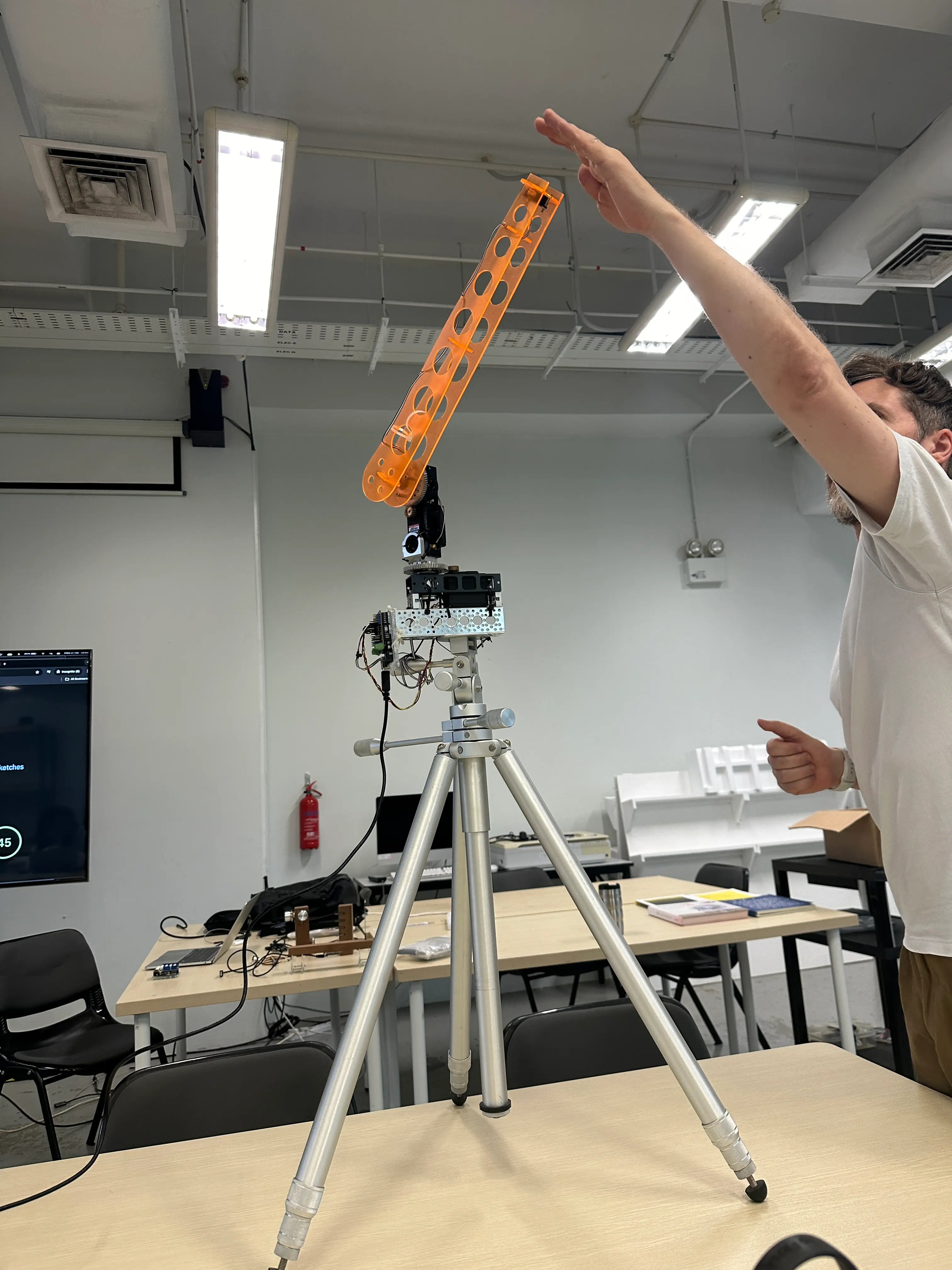
We brainstormed, we started with a fortune-telling idea where the buzzer would shake down the paper but we tested it and there were a few problems. We couldn't get the angle right, it was hard to control the variables of how many pieces of paper came out. So we decided to explore another route.
Concept
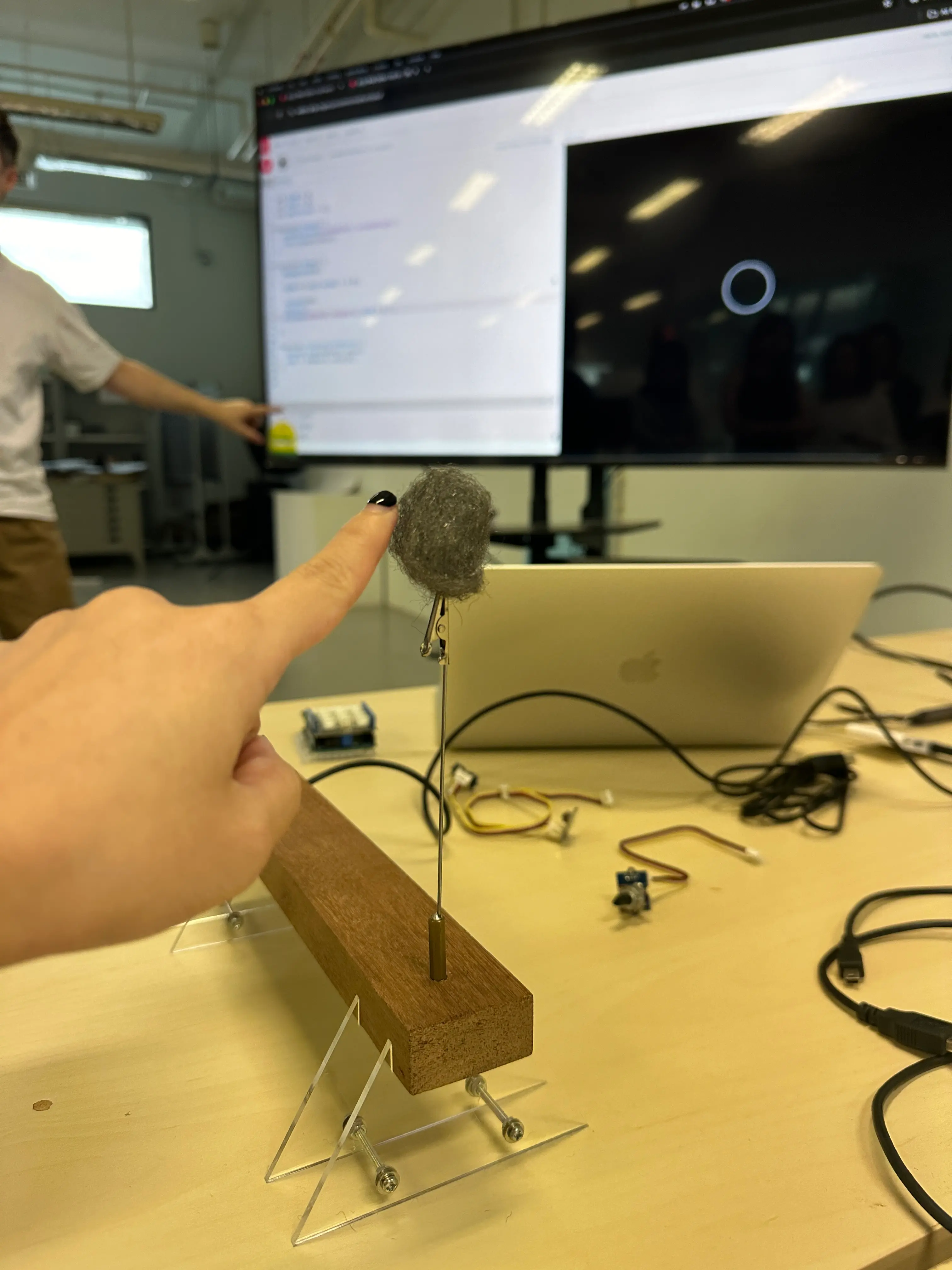
Our project, Aura Reader, is an interactive installation that blends physical computing with digital visualization. The core idea is to create a crystal ball that responds to a user’s touch, simulating an "aura reading" experience.
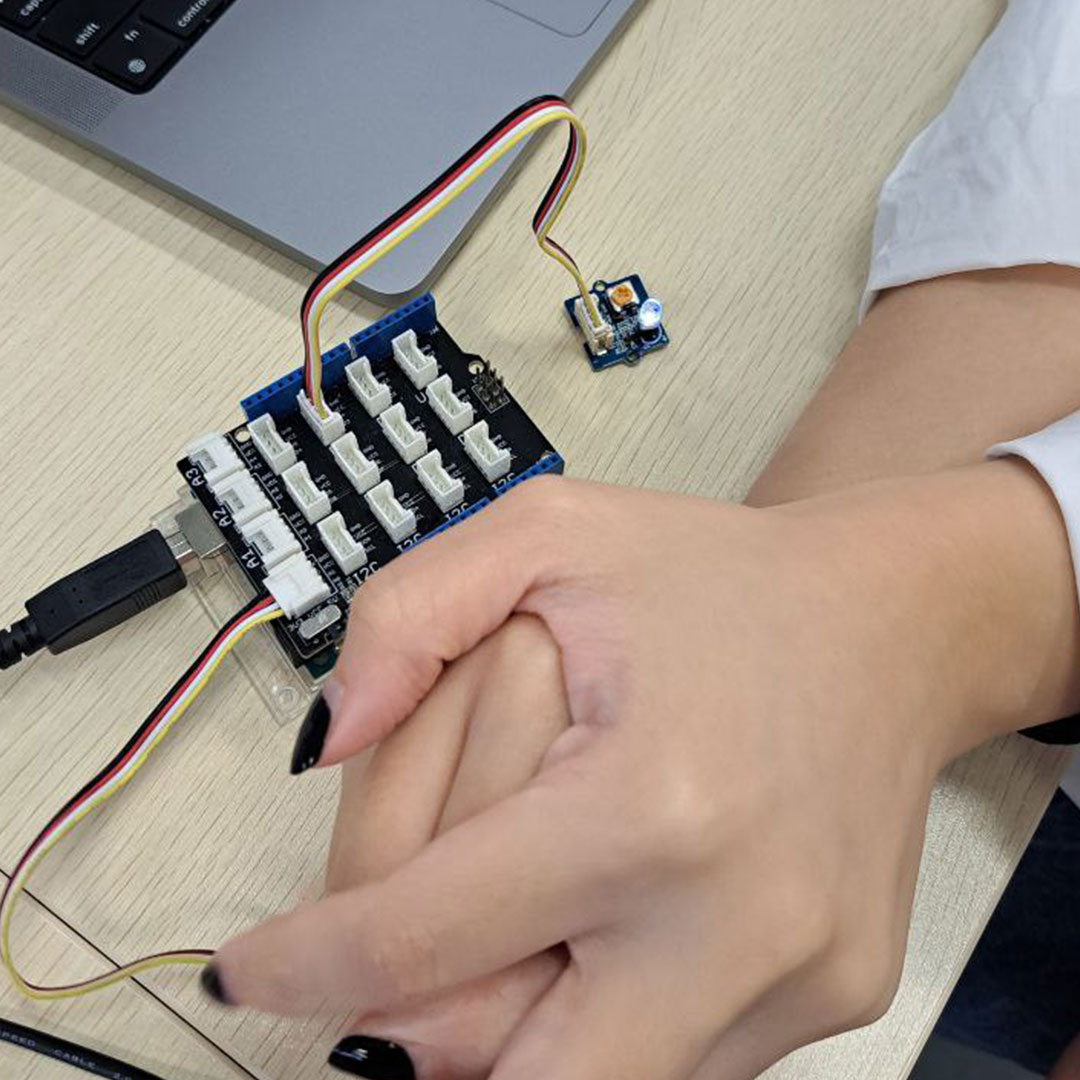
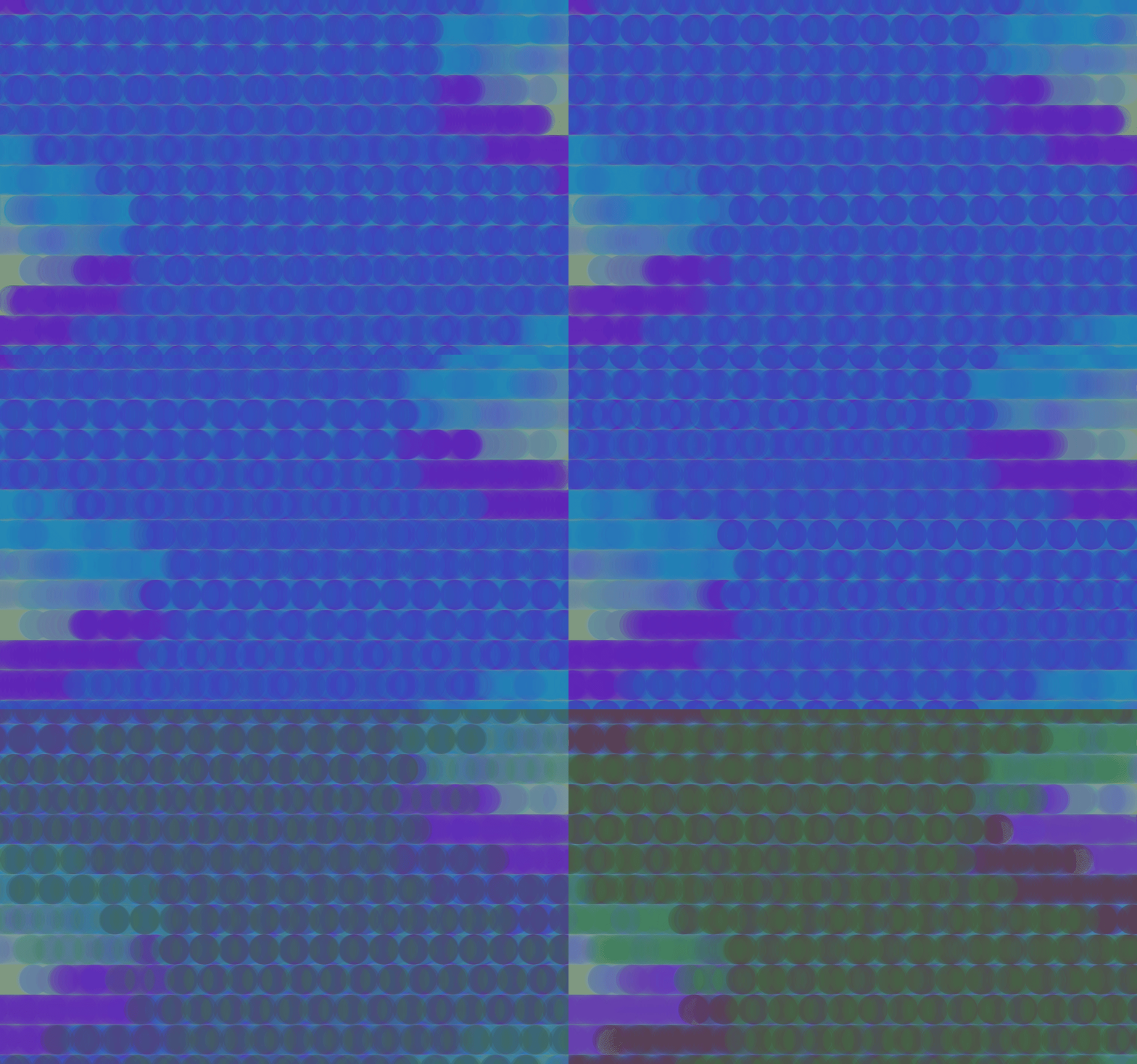
Using an Arduino-powered light sensor concealed within the crystal ball, the system detects changes in ambient light when a user cups their hands around it. This data is then transmitted to p5.js, where a dynamic visual representation of the aura is generated in real time. As the hands move closer or adjust their position, the on-screen aura visualization shifts in intensity and colour, creating an immersive and mystical interaction.
Process
We first tested out the connectivity between the Arduino and p5js, we had a hard time connecting it due to a system problem. So we decided to explore the different visuals first. We understood how we wanted the mechanism to work. When the light sensor value is low, a visual appears and when it is high it hides. It is actually a pretty simple connectivity, there wasn't much other component that was involved.
For Visuals, we know a few things that we want to have.
- Gradient or a mix of colors at random
- Almost floating or mystical aesthetics
- Movement that is flowy
We experimented with a few different sketches, some from the last sem. But it was rather hard to control dude the wide range of variables.
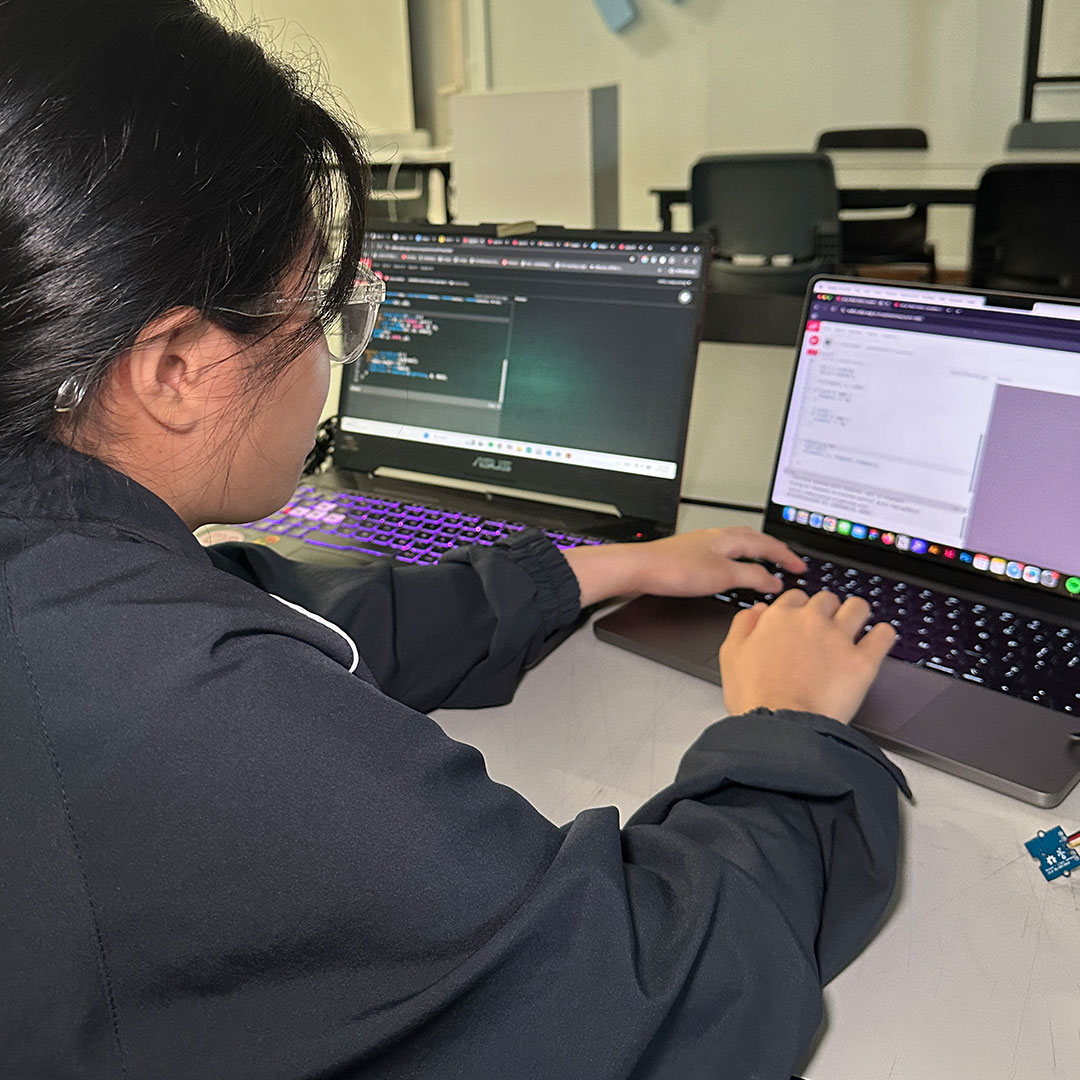
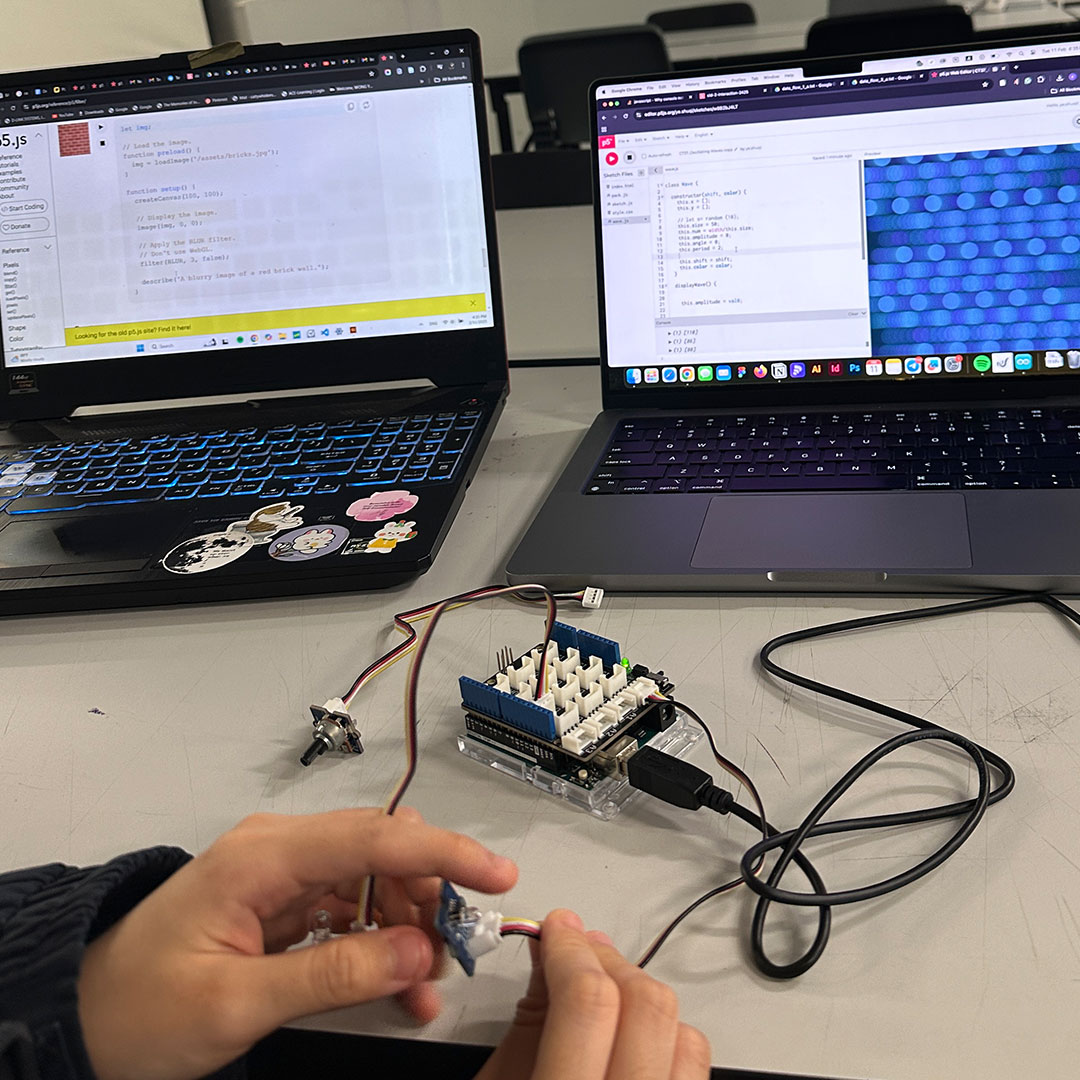
So we went online to look for a sketch that we could work off on. We found Patt’s oscillating wave tutorial, it has the elements that we were looking for so we started tweaking from there. Exploring different shapes and sizes, the amount of particles and the size of it.
We managed to get to a pretty good place, but there was a few outstanding things.
- Ardunio not connecting properly
- Reverse the values so we will hide when its high value
- The waves do not refresh after every use
- The random colour gradient we didn't have control over
We sought Andreas for help, and he taught us the use of conditional statements and how they only play once. Setting an array, so we have better control over the gradient and what it pushes. Explaining to us how the change the values and also to set a refresh statement every time the values go back high.
Our ardunio code on the other hand was simple… Just make sure it talks to each other and the value setting. We started building our prototype, we needed something that would widen the whole Arduino board. A crystal ball that is not fully translucent hides the sensor and the ball itself. Building the prototype is as important as the codes, as if the board and how sensor is seen, it ruins the magic.
For the prototype, we decided to use a black base with a tiny cut-out at the bottom which would allow the cable to fit nicely in there but still fully hidden. For the crystal ball itself, Valerie went around sourcing for something that could letch on our black base without much glue, for the easy adjustment of the sensor and lastly for the translucent inner. We crashed up some tracing paper so that it still allowed light through but not too much.
Testing w/ Friends
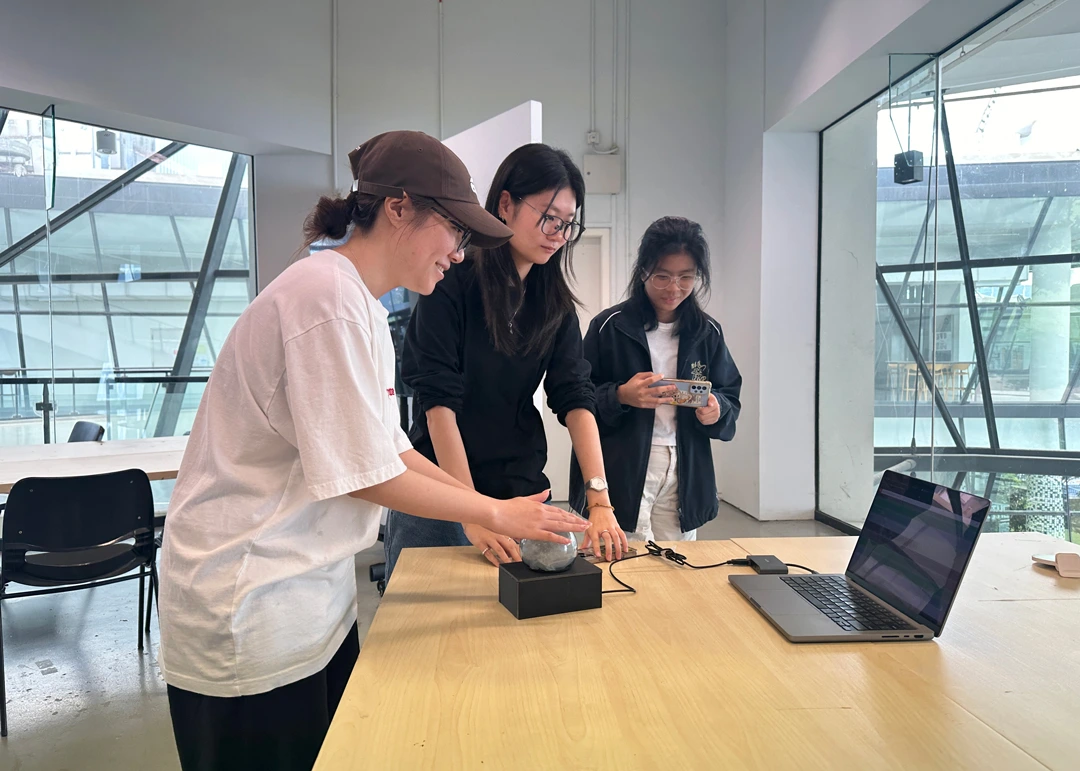
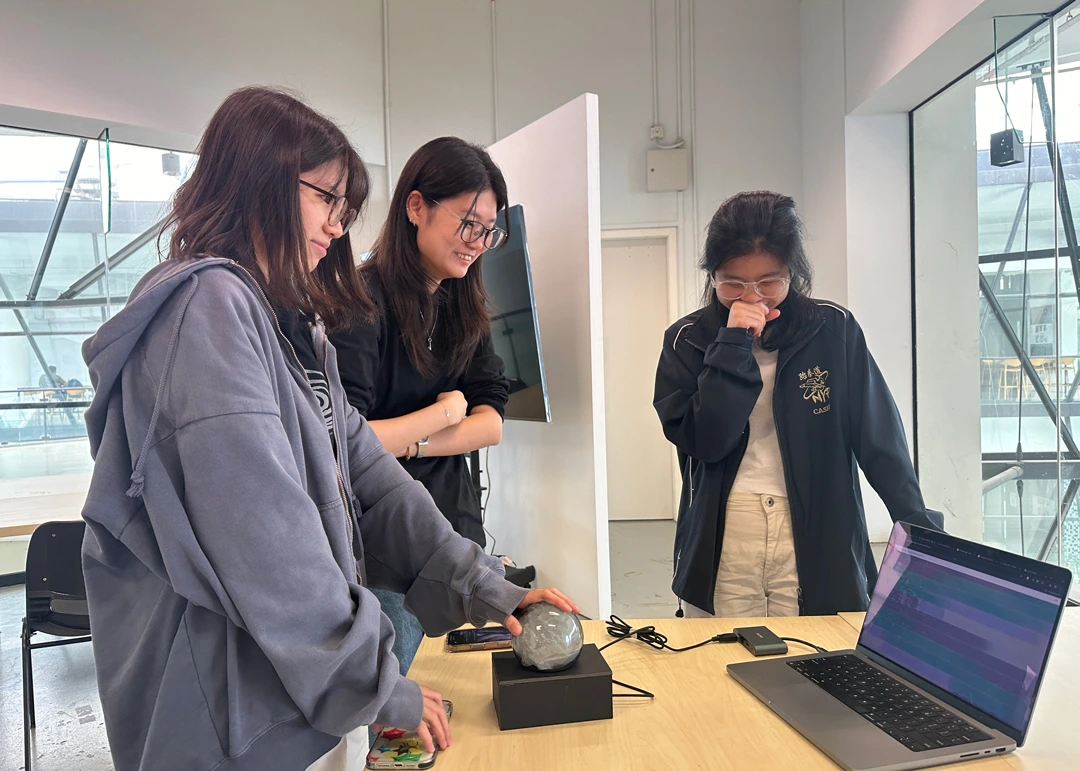
With that, our installation was done. Lastly, to test it out with our peers and see how they interact with it.
I think the most satisfying thing for interactive designers to hear is “How did you do this” and they start looking around to reveal the magic. That was what we exactly accomplished. They had lots of fun playing with our crystal ball, trying different ways to interact with it and also their eyes glued to the stunning visual on the screen.
Findings and Insights
One of the biggest challenges we faced was getting the visuals in p5.js to reset properly. The waves didn’t refresh after each interaction, and the random color gradients were hard to control. Andreas introduced us to arrays and conditional statements, which helped us set a proper refresh function and manage the colors better. We also had connectivity issues with Arduino, and the sensor values were the opposite of what we needed. Once we reversed the values and fixed the connection, everything started working smoothly. This whole process made me realize that designing interactive experiences isn’t just about making things look cool—it’s also about solving small problems to make it all feel seamless and natural.
“The art of a magician is to create wonder. If we live with a sense of wonder, our lives become filled with joy.” - Doug Henning
Reflection
Even though, this was an extremely rewarding journey. We were faced with so many obstacles, and frustrations. The smallest thing like connectivity took us 1 whole day to figure out, it reminds me that no matter how beautiful your output is. The smallest thing could overthrow your entire plan. This also reminds me how rusty I am with javascript and I had to go back to the foundation of understanding arrays and values. It was also interesting to see how such a simple idea could blossom into something we were all not expecting to accomplish and lastly seeing our installation bring smiles to our peers is the best reward we could ever ask for.
What I have learned
This project was a rollercoaster of excitement, frustration, and discovery. Relearning Arduino was fun, but linking it with p5.js made it even more interesting. We hit so many roadblocks—connectivity issues, reversed values, and struggling to control the visuals—but each challenge pushed us to problem-solve and refine our approach. Revisiting the basics of arrays and conditional statements reminded me how important a strong foundation in code is. Most of all, I learned that even a simple idea can evolve into something far beyond what we expected. And seeing our peers engage with our installation, trying to figure out the "magic" behind it, made all the struggles worth it.